Showing posts with label ipad. Show all posts

Tuesday, August 7, 2012

How the Kindle Fire Compares to E-ink Readers and Other Android Tablets

While a normal Kindle uses E-ink technology to display text, the Kindle Fire uses color pixels just like a normal computer screen. This makes the Kindle Fire tablet more desirable for media use and for reading full-color ebooks.

Amazon Kindle Fire Vs. the iPad and Android Tablets

The iPad is what many people consider first when it comes to tablet computers. But when compared with the Kindle Fire, the iPad has some real drawbacks.
  • Its substantial cost is the first issue that many people have with iPads. They are pricey and, although they have more bells and whistles than a Kindle Fire, lots of people do not think the additional features (a camera, for example) are worth the extra cost.
  • If you’re worried about processing power, you shouldn't be worried if you go with Amazon’s color tablet. The Kindle Fire is equipped with a dual-core processor giving it plenty of processing power.
  • Customers wanting an Android tablet might balk at the Kindle Fire, but don’t let the first looks fool you. The Kindle Fire features a default interface that makes it quite Amazon-centric, but you’ll soon discover ways to expand its horizon. In fact, your Amazon Kindle Fire can do anything that any unit running Android can do. If you have an Android phone, adapting to the Kindle Fire will be rather easy.
  • Many Android users are fond of Dropbox, which is available also on the Kindle Fire, but Amazon has something even better: 5 GB of free storage which it dubs its Amazon Cloud Drive. In addition to the 5 gb, purchases won’t count against your data total, so you can buy movies from Amazon on your PC and have it be available on your Cloud Drive, ready to pull down on your Kindle Fire.
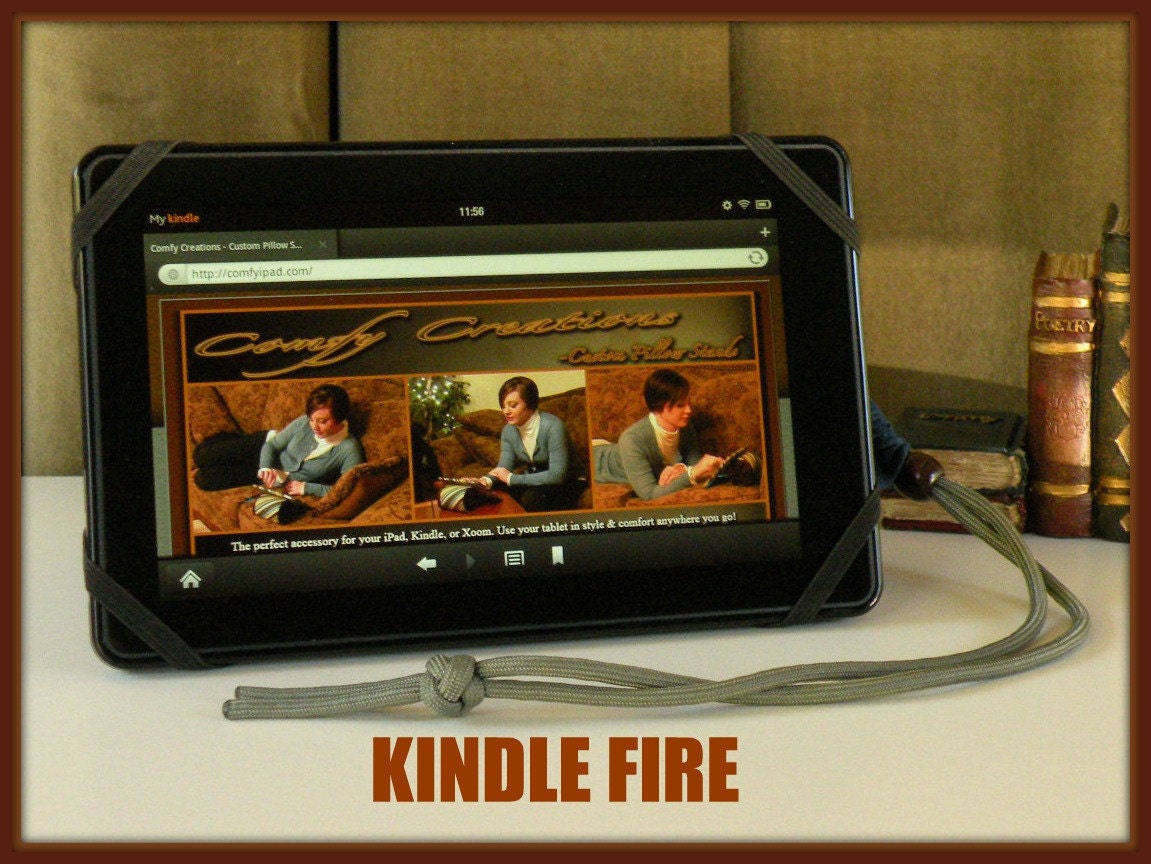
(Image: http://www.etsy.com/shop/Comfyipad)

Kindle Fire and Amazon Prime

When you have an Amazon prime account, it becomes something more than just a way to get free shipping when combined with the Kindle Fire. In addition to two-day free shipping on most items, you’ll get the following features when combining a Prime account with a Kindle Fire:

  1. Amazon Prime gives you access to a big library of free instant-streaming films and shows. It's like Netflix video streaming, although Amazon's video library isn't quite as big and has more selection in TV shows than movies. When you decide on not to renew your Prime membership, you'll still be in a position to buy films and TV shows from Amazon in the usual manner. 
  2. Amazon Prime allows one Kindle book to be borrowed at no cost every month. These come from the Kindle Lending Library, which will be included in your Prime account. Not all books are contained in the Lending Library, but many popular books are. You’ll get one free rental a month, which could end up saving you $10-$20/month if you’re a heavy reader. 
 You'll obtain a free month of membership to Amazon Prime together with your Amazon Kindle Fire purchase.

Monday, August 6, 2012

Note Taking Apps for your iPhone

Evernote for iPhone

Evernote is the one of the best apps for taking notes on the iPhone. It automatically uploads all of your notes to its web server. Because these same notes are accessible from any computer, tablet or smartphone, you’ll never have to e-mail your notes to your self again. Evernote also works the other way around: You are able to take notes on your computer and then promptly set them up on your iPhone screen. Sharing your notes from Evernote is straightforward: if you have an agenda and want to share that information with others, you may do so with just a few clicks.
It is great for meeting notes, noting down books and music to check out, shopping lists and many more uses that you’ll find for it throughout your busy day. Evernote is free, though there is a $5/month option that allows for better PDF searching and also hides the small advertisement that comes with the free version. http://itunes.apple.com/ca/app/evernote/id281796108

ReQall App for iPhone

ReQall is an iPhone to-do list app which has a few quite useful features. You are able to share all of your to-do lists with other people who also ReQall. This can be a wonderful way to help keep all the group members in your company stay on the same page. It’s also a great way for families to keep on top of their to-dos. If you manage a company with outsourced workers, for instance, you can all share to-do lists. This way everyone is on the same page no matter how far away they are. http://itunes.apple.com/ca/app/reqall/id284930649

Recorder Pro App for iPhone

If you record interviews or want to take down audio notes to yourself, this app is a must have. This app will especially be useful to people who are always forgetting things. Using the Apple built-in microphone, Recorder Pro (http://itunes.apple.com/ca/app/recorder-pro/id290854227)allows you to name files, pause, re-record, sort your audio files and more.
This is a great way to make use of the iPhones onboard microphone. Use it to record audio for your online business meetings or little reminders when you can’t stop to jot things down. You can also record reminders on the run for yourself as well. It is a hands-free way to make notes to yourself so you never forget a thing.

Saturday, August 4, 2012

Personal Finance Apps for the iPhone - Mint + Expense Tracker

Mint iPhone App for Personal Finance

For those used to the great personal finance features on the Mint website, they can now find them on the Mint app (http://itunes.apple.com/ca/app/mint.com-personal-finance/id300238550) . This is a great application for helping people manage their personal and business finances. Mint allows anyone to track all their accounts on a single dashboard screen on your iPhone. It doesn’t matter if you have one, two or three bank accounts, or if you need to track PayPal accounts along with multiple credit card accounts. Mint is great to get a simple overview of all your account balances: instead of logging into separate websites, all your accounts are integrated into Mint. This makes checking financial details much detail easier. If you’re ever late on payments or need a way to keep tabs on your bank balance, this app can help keep all your financial data right at your fingertips for easy observation.

Spending Expense Tracker App

Tracking your expenses is just a vital part of any online business. Many people think that it's enough to keep credit card statements as evidence of expenses, but these are actually not enough for IRS purposes. Having an iPhone app that enables you to track your expenses can make expense-tracking a great deal easier. The Spending Expense Tracker App is a convenient tool that will help you keep track of your everyday expenses. This is especially important for business travelers, since it’s easy to forget getting a receipt when you are travelling.
As opposed to being forced to start QuickBooks and have it running while you are operating your business, you can just quickly enter your bills into an app, and the habit of doing this after each purchase will give you a reminder to ask for a physical receipt for tax purposes, instead of just relying on your credit card bills. You can use Spending Expense Tracker for both individual and business expenditures and to help keep an eye on where your money is going, and stay within your budget. This app can assist you to curb any poor spending habits through tracking your spending, and perhaps even save your self more money and spend more wisely as a result.
http://itunes.apple.com/us/app/easy-spending-expense-tracker/id437238261

Friday, August 3, 2012

Productivity Apps for the iPhone - Pomodoro + iDoneThis

The Pomodoro Productivity App for the iPhone

The Pomodoro App (http://itunes.apple.com/us/app/pomodoro-time-management/id323222604 ) is based on a productivity system popular with people who are short on time. The system has become popular with students and corporate executives as well as anyone who regularly is trying to squeeze in as much as they can during a productive day. Pomodoro, the Italian word for tomato, looks like an ordinary kitchen timer:
A pomodoro is a unit of time and works like this: for 25 minutes, you work without any interruptions. If you get interrupted by a phone calls, email, or Facebook status update, then you have to restart. After 25 minutes, you take an obligatory 5 minute break, and then do another 25 minutes. The Pomodoro app helps you keep track of time while staying on task to help you get more done with fewer distractions.

iDoneThis App for iPhone

One of the best ways to motivate yourself is to regularly be presented with your achievements to keep you motivated. It lets you continually see how much you have accomplished, which is exactly what iDoneThis allows you to do.
Here’s how it works: at the end of the day, iDoneThis will send you a push notification asking you what you did for the day. Fill it out, push send and IDoneThis will add it to your calendar. This allows you to easily look back and see all that you have accomplished. If you manage a team, you can also create group projects. This allows you to see exactly what your team members have finished as well.
https://idonethis.com/

Wednesday, August 24, 2011

The Samsung Galaxy Ace - Does This Look Like an iPhone to You?

The Samsung Ace is a nice phone, but did it get some of its design elements from a close competitor?  A Dutch judges seems to think so, and has determined that the sale of Samsung's Galaxy and Ace lineups will be stopped in the EU beginning in October, 2011.  The only news currently is in Dutch for the filing, but that hasn't stopped some US news outlets from picking up the story (of course, it's about Apple and the iPhone.  The original newsource is here, translated from Dutch into English).

It's important to note that Google was not rebuking Samsung directly for "copying" its iPhone or iPad tablet.  It instead relied on a patent infringement to seal the fate of Samsung and its Galaxy lineup.  The judge found that Samsung infringed upon the "swipe" movements which you see people using to navigate on their iPhones and iPads.  Whether or not Apple should have been granted a patent for these gesture movements is arguable in the first place.  What isn't arguable is the likeness of the Samsung Galaxy Ace to the Apple iPhone:

If you didn't see the Samsung logo, you might have thought it was an iPhone.  That's certainly good news for Apple that Samsung is having legal action taken against them, but it remains to be seen if the judge's ruling on its infringement of the photo scrolling patent will be too little to block shipments as Samsung is likely to appeal the decision.